STS32XX documentation
STS32XX is custom firmware for compatible STS3215 servos in robot arms. It adds smooth motion planning, tunable position control and support for gravity compensation calculated by the host.
See the difference
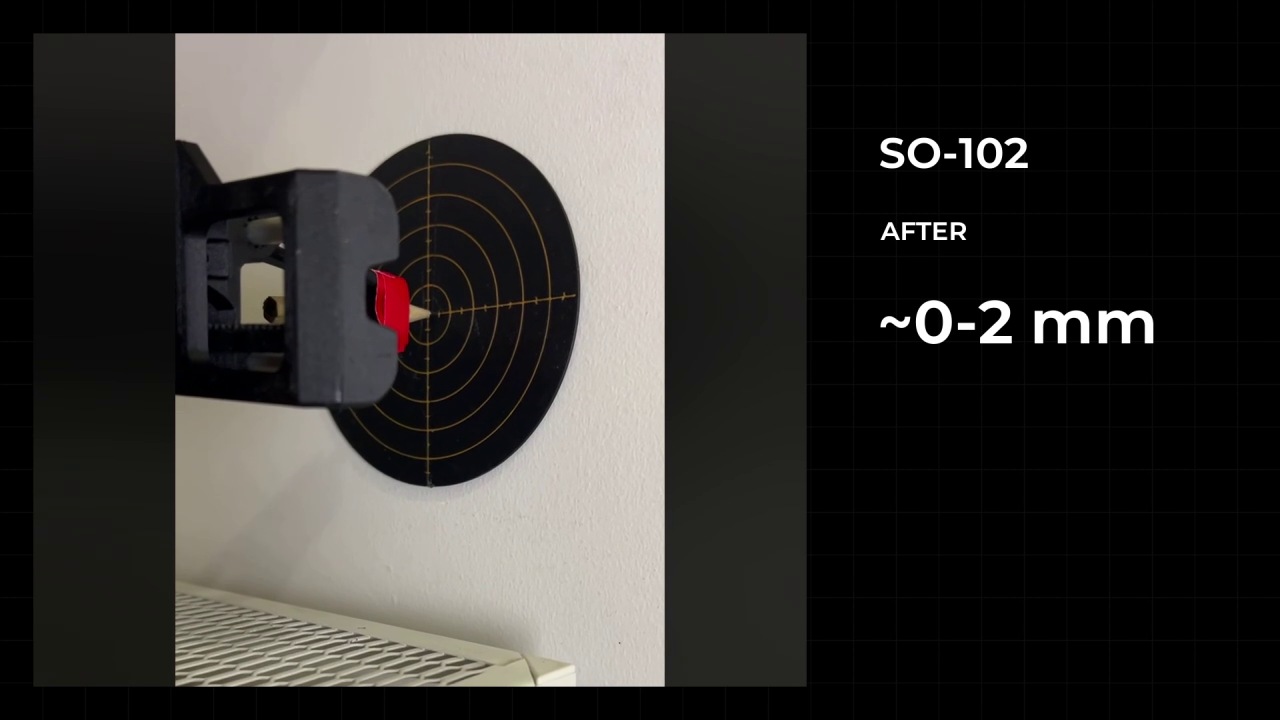
Before: the original setup. After: the setup with STS32XX and tuned control. This recording compares SO-101 and SO-102 movement; the result depends on settings, calibration, load and mechanics. How to interpret these demonstrations.
How it works
The computer sends a target and motion limits. Each servo plans its movement, measures its position and adjusts motor output to follow the plan.
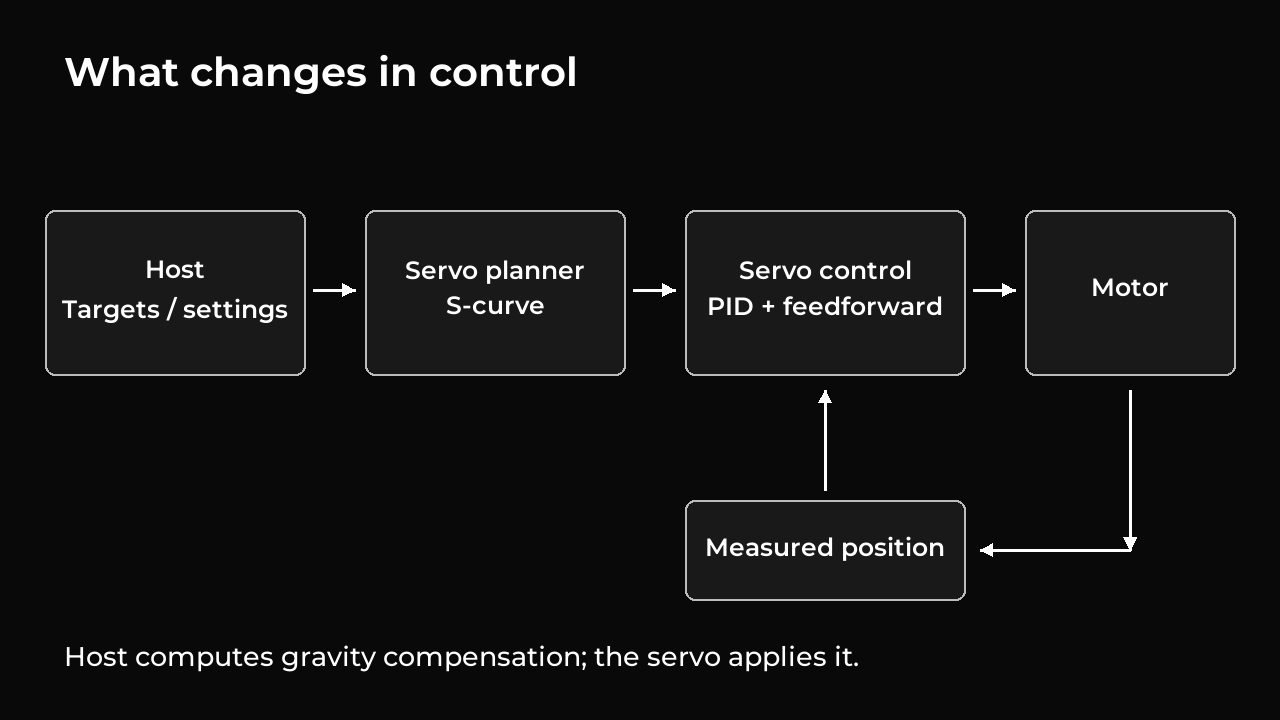
- S-curve motion makes acceleration and braking more gradual.
- Tunable PID control adjusts how the servo corrects position and speed errors.
- Gravity compensation adds support calculated by the computer for the arm and its load.
Motion control explains trajectories, PID and compensation. Measurements and demonstrations explains repeatability, accuracy and the limits of recorded tests.
First setup
Follow the stages in order. For an existing setup, check its firmware version and calibration first; reflashing and recalibrating are not always necessary.
| Stage | Result |
|---|---|
| 1. Before you start | Confirmed hardware, power, adapter and motor IDs |
| 2. Install the tools | Working tools and a responding serial port |
| 3. Back up and flash | Saved backups, a checked image and verified application startup |
| 4. Calibrate joints | Verified reference and limits, with the effect on recordings and models understood |
| 5. Record and replay the first poses | A reviewed path, a completed movement and a known final motor state |
Working with the arm
- Controller files and profiles: files, settings, units and relative paths.
- Gravity compensation: connect and validate a model, and understand its limits.
- Teleoperation and session replay: leader and follower on separate buses.
- Tune and validate control: compare settings and check the result.
- View telemetry: logs, models and the mapping from physical angles to the display.
Troubleshooting
Start with the symptom guide. Recovery and factory firmware are separate procedures, not the first response to every connection problem.
Technical reference
For your own software, use the detailed documentation: modes and sessions, protocol packets and register layouts. Building from source is a separate developer task.
Reading the commands
Run all commands from the repository root. Select the tab for macOS/Linux or Windows PowerShell. Replace explicitly named placeholders such as POSES.json and EVENTS.ndjson with your own file paths. Each procedure identifies whether a command reads data, changes settings or starts motion.
Text and commands provide the complete procedure. Diagrams and silent videos support the explanations. These guides describe the STS32XX tools; the Robonine Lab browser guides describe a different workflow.
Documentation home · Source revision: a995f77. Extension 9.0.