OpenCV
Install the vision service required by dependent tools.
Installation
- Open the OpenCV catalog card or a tool that requests it.
- Read Install requirements and select Install.
- Wait for the library to load. Camera calibration reports OpenCV ready when it is usable.
- Return to your task. Installing OpenCV alone does not connect a camera or start detection.
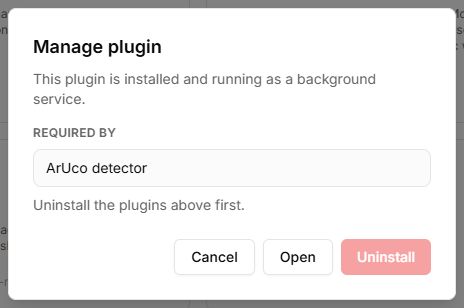
If loading does not finish
Check internet connectivity, library-file availability and the dependent tool’s error. Do not start calibration capture before the library is ready. ChArUco capabilities depend on the OpenCV build loaded by Lab.
Buttons, fields and results
| Control | How to use it and what happens |
|---|---|
| Install in the tool catalog | Adds OpenCV as a dependency for computer-vision tools. After installation, open the tool and wait for the library to load. |
| Loading OpenCV… | Loading is still in progress. Leave the tab open and check internet access if it takes too long. |
| OpenCV ready; Version | Shows readiness and the loaded library version. Then return to ArUco or camera calibration. |
| Failed to load OpenCV | The library failed to load. Check the network and reopen the tool. An installed dependency and a successfully loaded library are different states. |
The OpenCV screen has no capture, camera-selection or recognition-start buttons. It is a supporting library; configure cameras and processing in the tools that use it. A ready status does not guarantee that every OpenCV module, including ChArUco, is available.