5. Checks and teleoperation
Check each joint
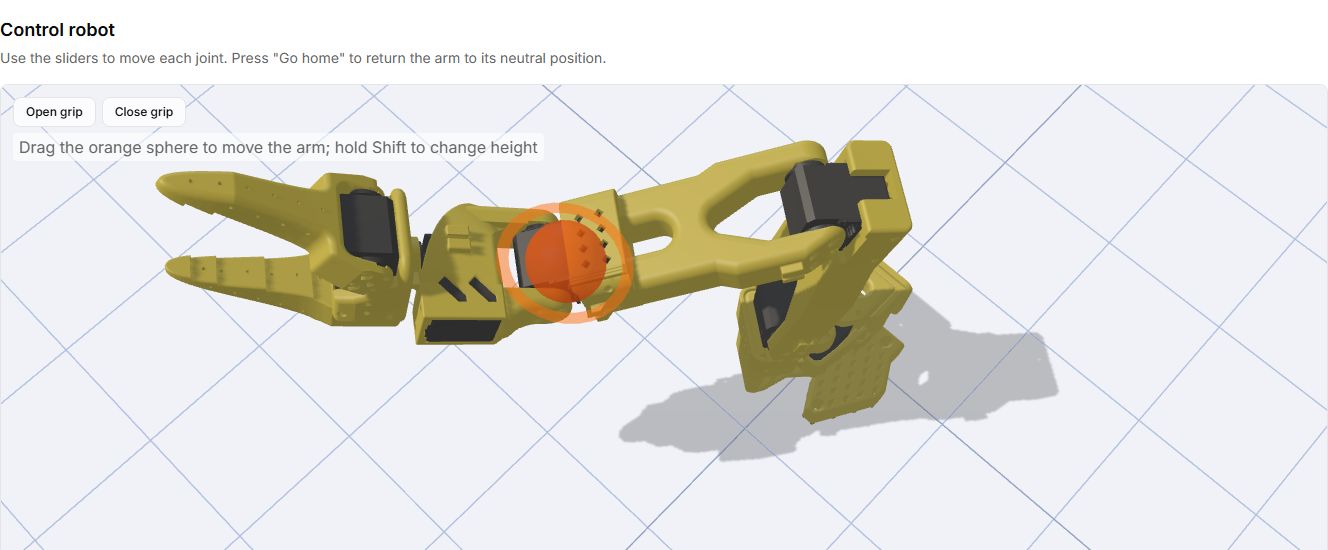
Open Control robot. Secure the base, clear the workspace and keep power disconnection accessible.
- Connect the intended arm and check the model and port.
- Move one joint at a time, starting with small movements away from the stops.
- Check that the selected link moves in the expected direction, with no cable tension or collisions.
- Repeat for all six IDs. Test the gripper empty and keep fingers out of the jaws.
- Stop immediately if movement is unexpected. Check the model, IDs and calibration before trying again.
Test the leader/follower pair
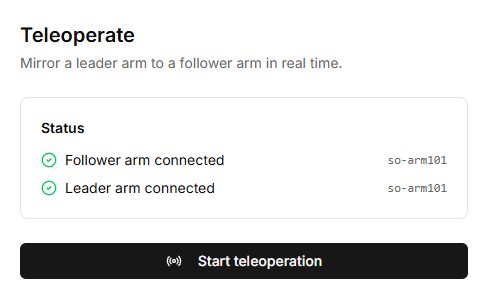
Open Teleoperate after assembling and calibrating both arms.
- Connect the follower first, then the leader, as prompted by the tool.
- Check ports and models: the handle and trigger belong to the leader; the gripper belongs to the follower.
- Make a small movement with one leader joint and watch the corresponding follower movement.
- Check the remaining joints and trigger. Stop and verify IDs and calibration if the mapping is wrong.
Troubleshooting
| Symptom | Check |
|---|---|
| No USB port | Use a data cable and desktop Chrome/Edge. Close another tab or program holding the port. |
| Board works, motors do not respond | USB does not power motors. Check the correctly rated external supply. |
| Some motors are missing | Switch off power and inspect bus connectors starting at the first missing motor. Check for duplicate IDs. |
| Wrong joint moves | Check IDs, model selection and motor assignments. |
| Lab pose differs from the arm | Repeat home calibration with the correct reference pose. |
| Cable tension or collisions | Stop, correct routing or assembly, then check the motion ranges. |
Assembly complete
- Fasteners checked and base secured.
- Six unique IDs detected for each arm.
- Home offsets and motion ranges saved.
- Each joint tested with small movements.
- Joint mapping and trigger checked for a leader/follower pair.