Robonine Labs ยท Online course

Assemble, program and train a real robot โ€”
from your desk at home

A self-paced online robotics course with a personal mentor. Build the SO-ARM101 5-DOF arm, program it in Python, give it vision and train neural-network policies โ€” the same open-source stack (HuggingFace LeRobot) used in university robotics labs.

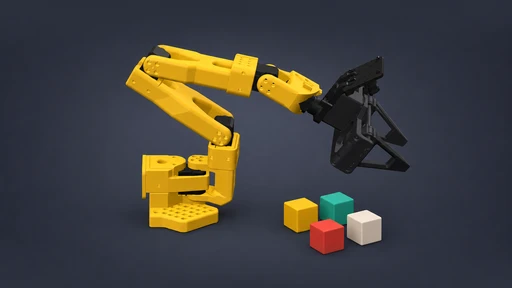
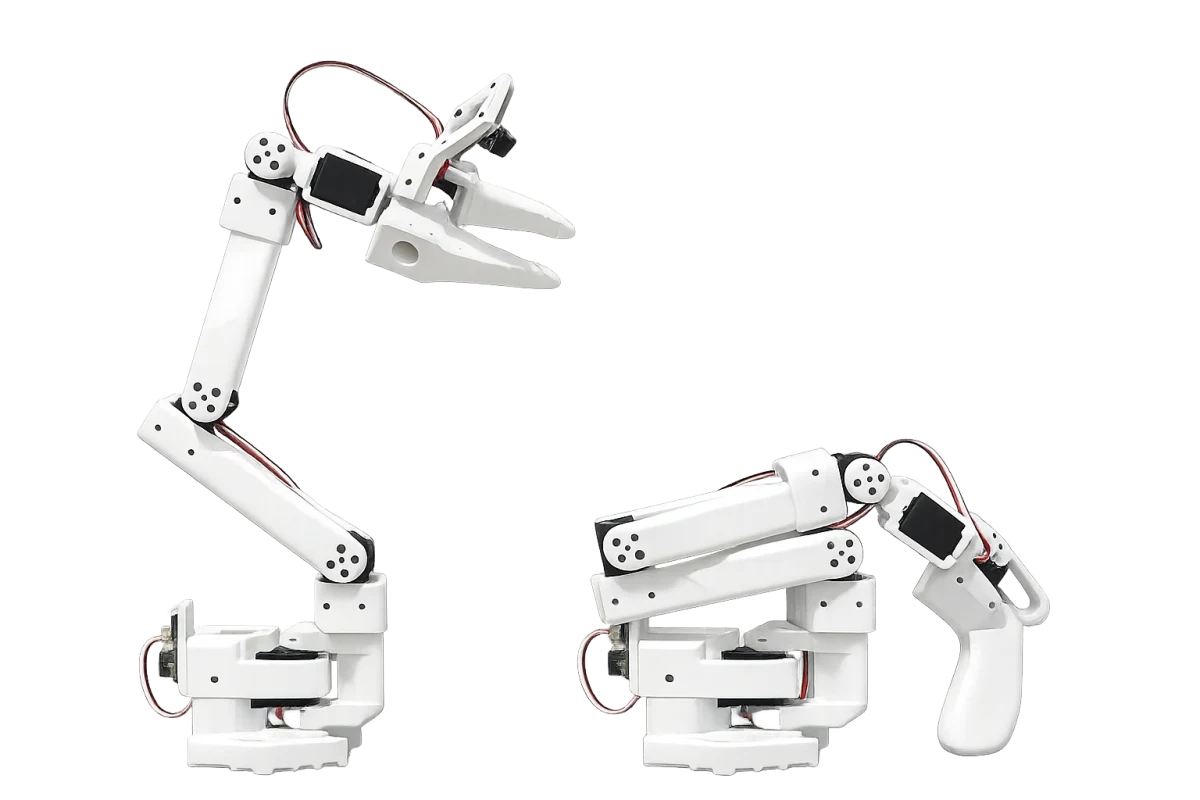
The white SO-ARM101 robot arm pair โ€” the follower arm with a parallel gripper next to the hand-held leader arm
  • Self-paced ยท personal mentor
  • For teens 12+ and adults
  • 10 modules ยท final project
  • HuggingFace LeRobot ecosystem

Who it's for

One course, two kinds of builders

The course starts from a screwdriver and ends at machine learning โ€” so it works whether it's a first robot or a long-postponed one.

For teens (12+)

Screen time that ends with a working robot on the desk. Physics, code and AI meet in one hands-on project โ€” and a mentor keeps the momentum going when parents can't help with Python.

  • No prior coding needed
  • Low-voltage desktop kit
  • Mentor keeps them unstuck

For adult makers & engineers

A hands-on route into modern robotics: real hardware, Python, computer vision and robot learning. Finish with a trained neural policy running on your own arm โ€” a portfolio project, not a toy demo.

  • From zero to trained policy
  • Industry open-source stack
  • Fits around a full-time job

How it works

Self-paced, but never on your own

  1. 01

    Get the kit

    The SO-ARM101 arrives at your door โ€” or start right away with an arm you already own.

  2. 02

    Learn on Robonine Lab

    Interactive lessons on our course platform, at your own pace โ€” evenings, weekends, school holidays.

  3. 03

    Build at your desk

    Every module ends with the robot physically doing something new โ€” not a quiz score.

  4. 04

    Mentor by your side

    A real person answers questions, reviews your code and signs off your final project.

The program

From a screwdriver to machine learning in 10 modules

One module is about a week at 2โ€“4 hours. Every module ends with a working result on your desk โ€” the progression is honest, no filler.

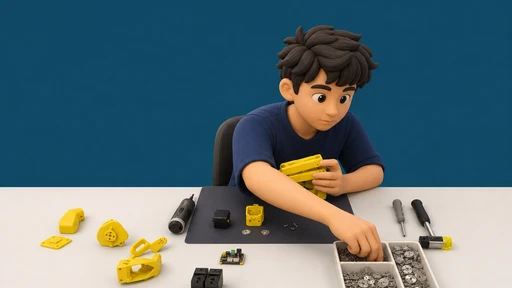
  1. Assembly โ€” lesson cover 01

    Assembly

    Build and calibrate your SO-ARM101 โ€” mechanics, servos, first power-on.

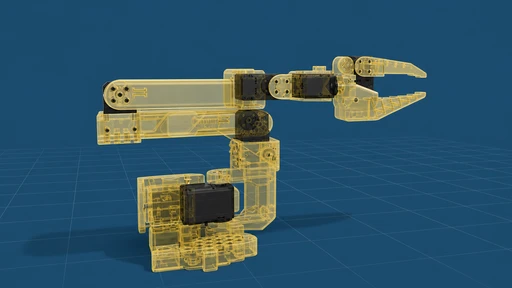
  2. Anatomy of a robot โ€” lesson cover 02

    Anatomy of a robot

    Servo bus, controller, power. Send your first commands from a computer.

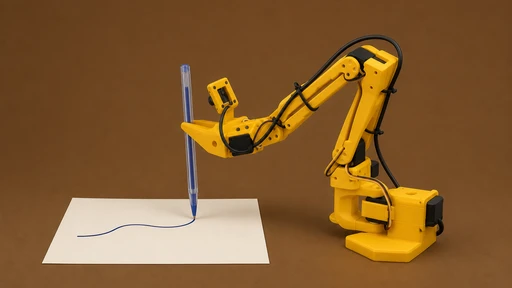
  3. Motion in Python โ€” lesson cover 03

    Motion in Python

    Joint positions and trajectories โ€” make the arm move exactly how you tell it.

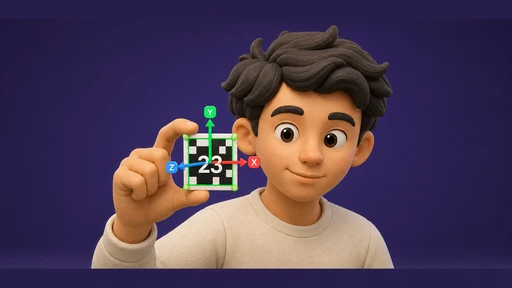
  4. Kinematics without pain โ€” lesson cover 04

    Kinematics without pain

    Forward and inverse kinematics in practice: reach any point in space.

  5. Grasping & manipulation โ€” lesson cover 05

    Grasping & manipulation

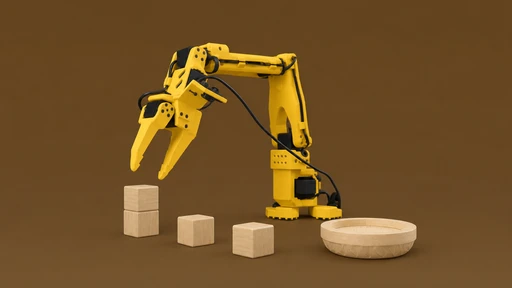
    Drive the parallel gripper: pick-and-place with repeatable precision.

  6. Computer vision โ€” lesson cover 06

    Computer vision

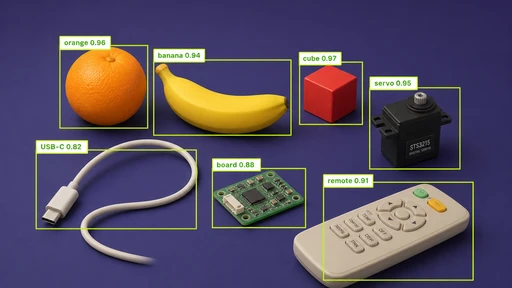
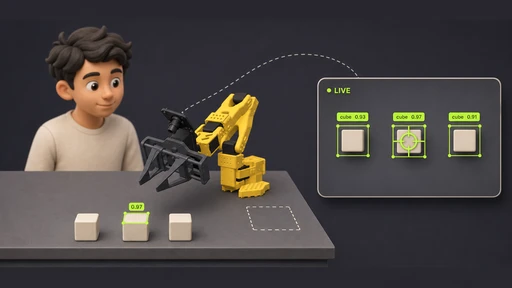
    Camera + OpenCV: find an object by colour and shape, then go grab it.

  7. Teleoperation โ€” lesson cover 07

    Teleoperation

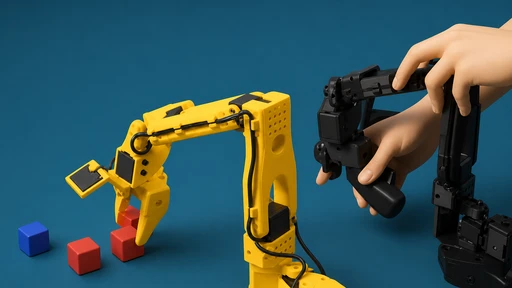
    Drive the arm in real time with the leader arm โ€” your hand, its motions.

  8. Datasets โ€” lesson cover 08

    Datasets

    Record your own demonstrations as training data for the robot.

  9. Imitation learning โ€” lesson cover 09

    Imitation learning

    Train a neural-network policy (LeRobot) that repeats your movements โ€” autonomously.

  10. Final project โ€” lesson cover 10

    Final project

    Design your own autonomous task and defend it to your mentor.

The mentor

Self-paced course, human support

  • A real person, not a chatbot

    Your mentor is a robotics engineer who follows your progress through the whole course.

  • Stuck never lasts long

    A servo that won't calibrate, code that won't run, math that won't click โ€” ask, get unblocked, move on.

  • Code review on module results

    You don't just make it work โ€” you learn why it works, and how an engineer would write it.

  • Final project sign-off

    Your mentor reviews and approves your final autonomous task.

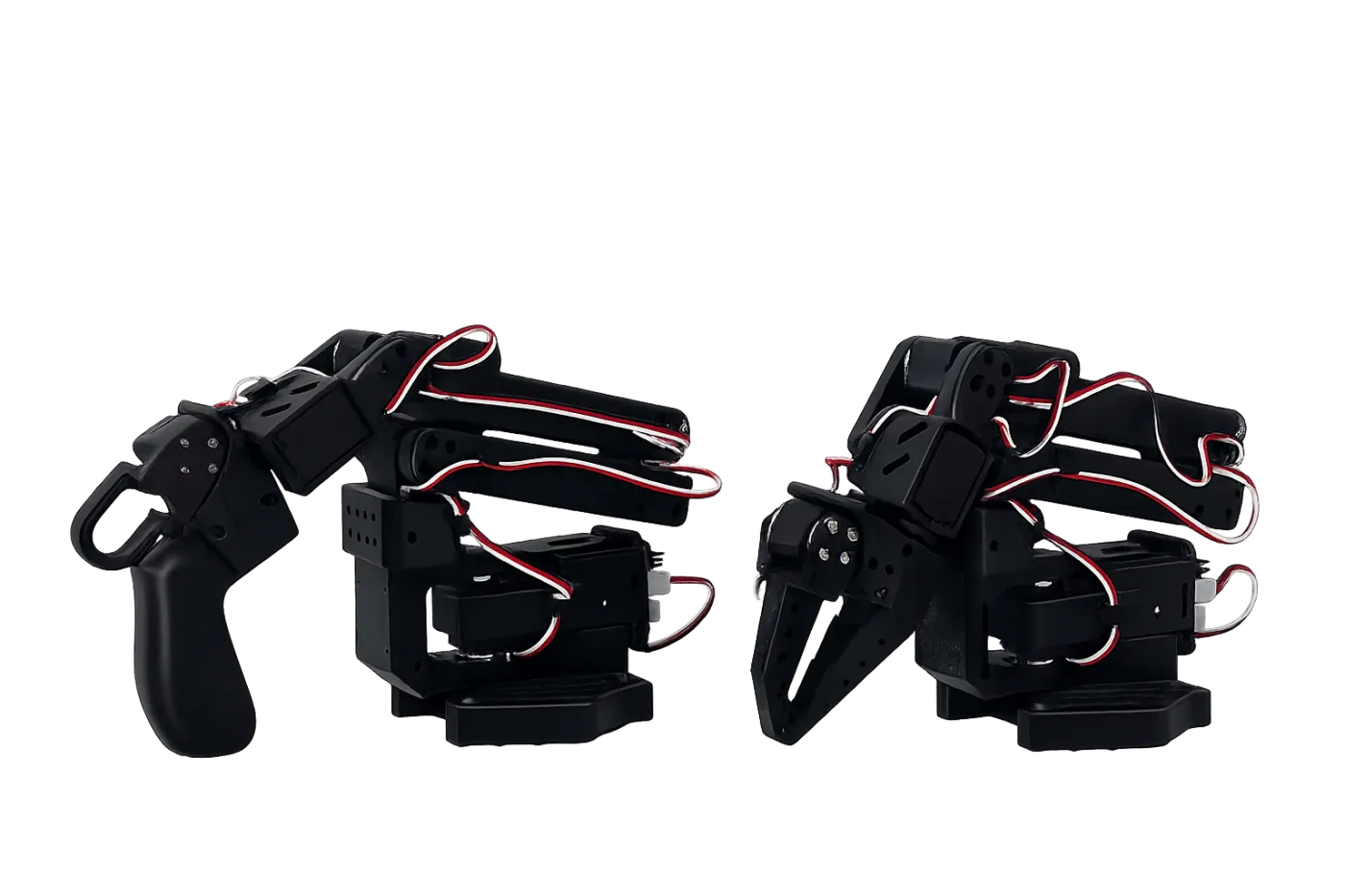
The SO-ARM101 leader and follower arms side by side โ€” the pair used for teleoperation and recording demonstrations
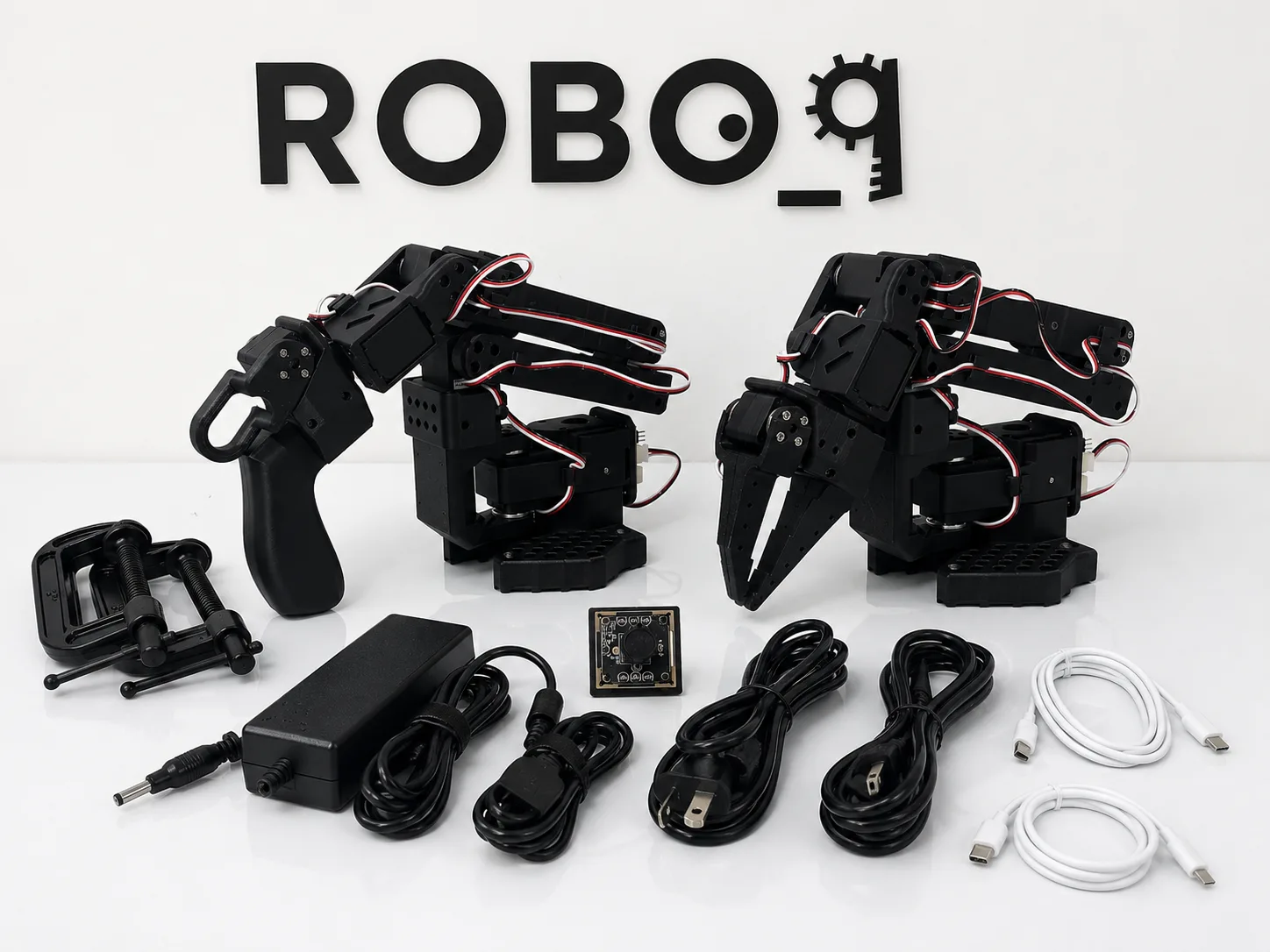
Everything in the black SO-ARM101 kit laid out: two arms, USB camera, power supplies, cables and clamps

The hardware

Everything is in the box

In the kit

  • SO-ARM101 follower arm โ€” 5-DOF with a parallel gripper
  • Leader arm for teleoperation and recording demonstrations
  • USB camera for the computer-vision and learning modules
  • Power supplies, cables and desk clamps โ€” everything wired in one box

You'll need

  • A computer โ€” Windows, macOS or Linux, no GPU required
  • A free USB port and about 40ร—40 cm of desk
  • 2โ€“4 hours a week, whenever they fit

Choose the unassembled kit โ€” building it is module one โ€” or the pre-assembled arm that runs out of the box. Delivery in 3โ€“4 weeks.

Pricing

Pick how you want to learn

Every kit includes the full course. The mentor is what you add when you want a human in the loop.

Learn on your own

Robot kit

$349

  • SO-ARM101 kit โ€” both arms, camera, everything in the box
  • Ships unassembled โ€” building it is module one
  • Full 10-module course on Robonine Lab included free
  • Self-guided โ€” no mentor
Buy the kit

Already own the arm?

Mentored course

$149

  • Full 10-module course on Robonine Lab
  • Personal mentor and code review
  • Works with your SO-ARM100/101
Enroll now

Course access lasts 12 months โ€” learn at your own pace. Kit specs and gallery: SO-ARM101 product page.

FAQ

Before you ask

Do I need any robotics or coding experience?

No. The course starts with a screwdriver, and Python is taught along the way in small, practical steps. If you can install a program on a computer, you can start module one.

What computer do I need? Do I need a GPU?

Any reasonably recent Windows, macOS or Linux laptop with a USB port. No GPU is required โ€” the neural-network training in module nine can run on a free cloud GPU, and the course shows you how.

Is it suitable for a 12-year-old?

Yes โ€” the kit is a low-voltage desktop arm and the course assumes no prior knowledge. Younger teens move faster with light parental involvement in the first modules; the mentor handles the technical questions.

How does the mentor actually work?

You get a personal mentor โ€” a robotics engineer โ€” for the whole course. They answer your questions, review the code you submit at the end of each module and sign off your final project. You set the pace; they keep you unstuck.

How long does the course take?

At 2โ€“4 hours a week, about ten weeks โ€” one module per week. It's fully self-paced though: go faster over a holiday, or slower during exam season. Access lasts 12 months.

I already have a SO-ARM100/101 โ€” can I just buy the course?

Yes. The $149 mentored course works with any SO-ARM100 or SO-ARM101, whichever colour or vendor it came from.

Start now

In ten modules, your desk has a robot that learned from you

Self-paced lessons, a real mentor, and hardware that runs the same stack as research labs.