Priya S.
★★★★★5/5Mentored course + arm kit
The final project with mentor sign-off pushed me to clean up my code properly. Went from never touching hardware to a working pick-and-place demo in about two months.
Robonine Labs · Live course with a mentor
Your child will assemble a real SO-ARM101 robotic arm and program it to work on its own. Three months of classes with a personal mentor — from the first idea to a project worth putting in a portfolio.
Book a free 30-min call before you buy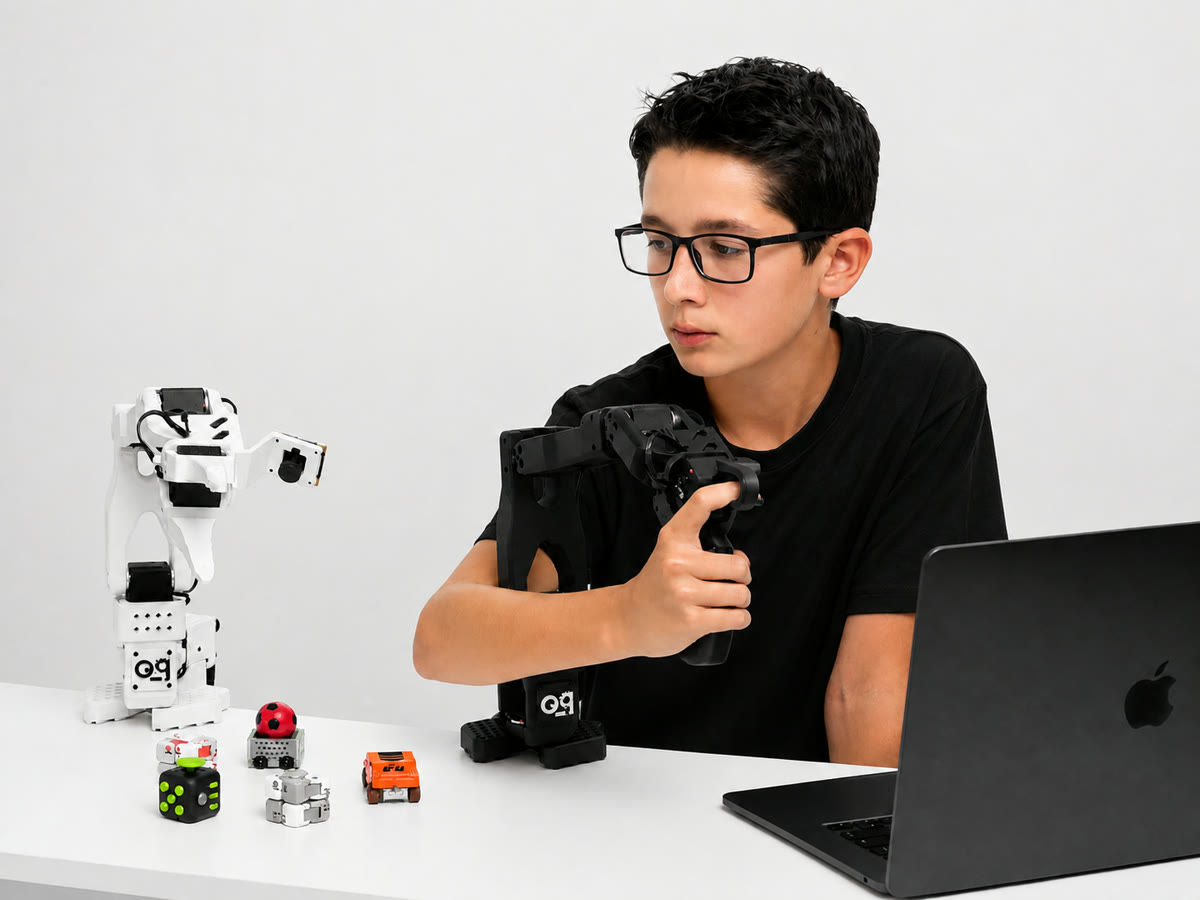
See it move
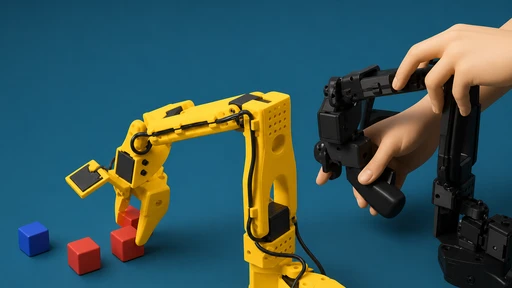
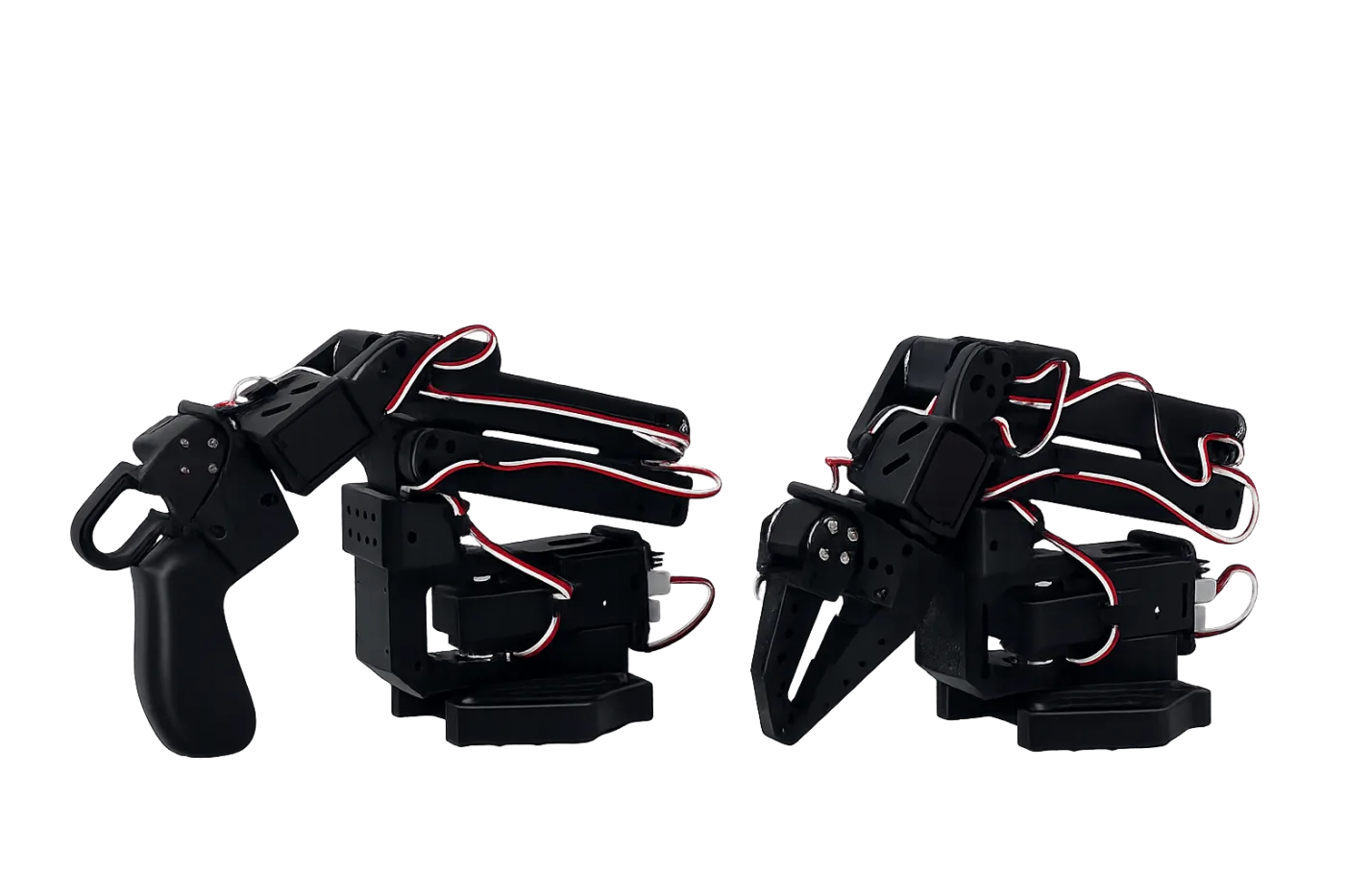
A student operating the SO-ARM101: the leader arm sets the motion and the robot repeats it. The motion can be recorded and then replayed by the arm on its own.
What your child gets
Robotics is the fastest-growing engineering field — and the skills behind it are exactly the ones universities and employers screen for.
Python, ROS2 and the habit of thinking like an engineer — the tools real robotics runs on.
A robot assembled by hand, movements they programmed themselves, and a finished final project.
The stack used in university robotics labs worldwide — a confident first step into engineering.
The program
Two classes a week, starting 14 September. The first eight lessons are below; the programme runs to 24 and is followed by a second three-month block on computer vision.
 01
01
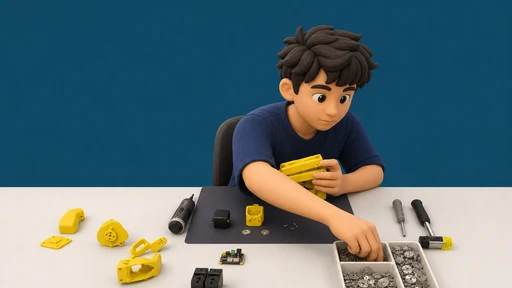
Working rules for servo-driven hardware, then the build itself: servos, links, checking every motor turns.
 02
02
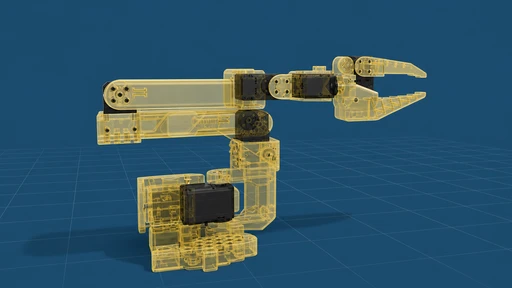
Servo bus, control board, cables. Connect the arm to a computer and give each servo its own ID.
 03
03
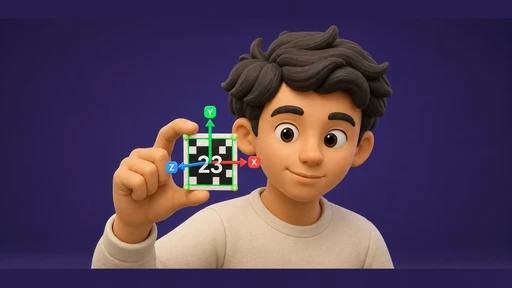
Links, joints and degrees of freedom; encoders and feedback; what repeatability and accuracy actually mean.
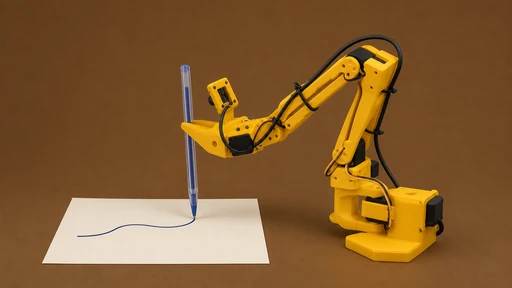 04
04
Nodes, topics and services in ROS2 Jazzy — and your first node reading data off the encoders.
 05
05
Drive all six joints from a keyboard or gamepad, inside the working envelope and without self-collisions.
 06
06
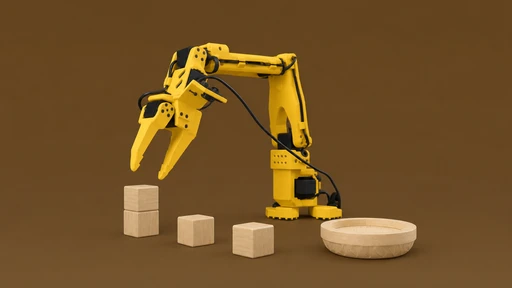
Grip types, motion planes, the emergency stop — then record a sequence and let the arm repeat it on its own.
 07
07
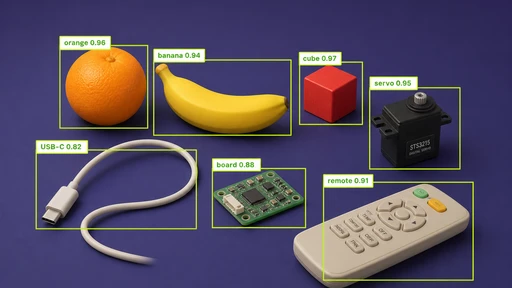
Tool and base calibration, then PTP, LIN and CIRC moves planned through MoveIt2.
 08
08
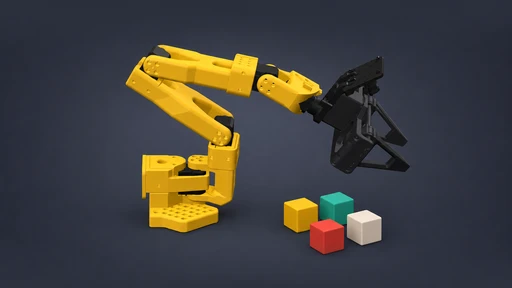
Your own task, programmed end to end and defended to the mentor in the closing class.
The hardware
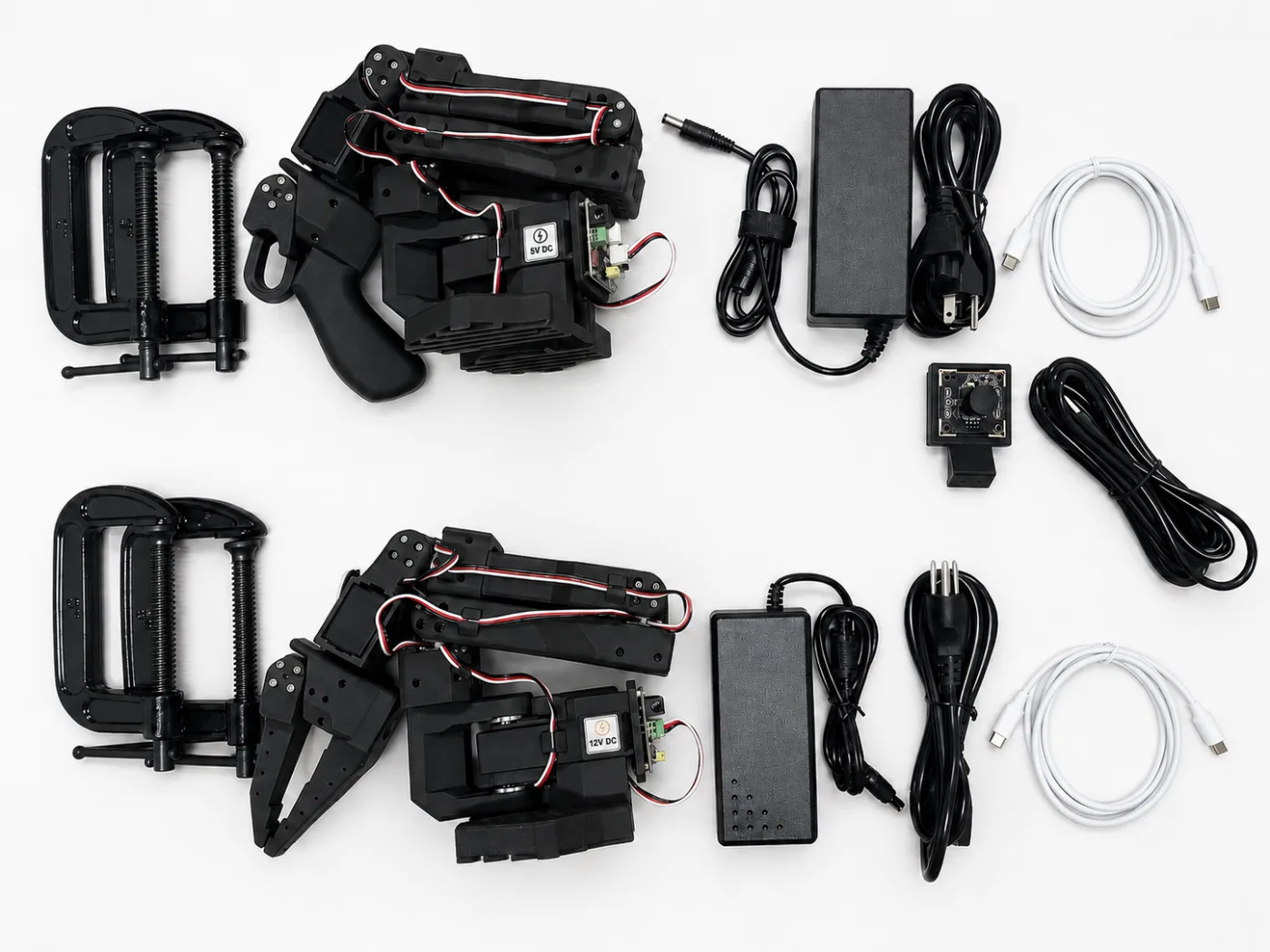
The kit ships unassembled — building it is module one. Delivery in 3–4 weeks.
The mentor
Your mentor is a robotics engineer who follows your progress through the whole course.
A servo that won't calibrate, code that won't run, math that won't click — ask, get unblocked, move on.
You don't just make it work — you learn why it works, and how an engineer would write it.
Your mentor reviews and approves your final autonomous task.
Reviews
Mentored course + arm kit
The final project with mentor sign-off pushed me to clean up my code properly. Went from never touching hardware to a working pick-and-place demo in about two months.
Mentored course
I teach maths and wanted to see robotics done right. The mentored track gives you a real person reviewing your code, which changes everything for weaker students.
Mentored course + arm kit
My physics teacher recommended it. The camera module where the arm follows objects with OpenCV is my favourite — I demoed it at our science fair.
Interactive course + unassembled arm kit
I have automated factories for twenty years and still learned things — the LeRobot imitation learning setup is genuinely current. Kit quality is above what I expected.
Mentored course
Complete beginner and honestly nervous, but the first module has you assembling the arm with your hands, not staring at slides. By module five I was writing my own Python.
Mentored course + arm kit
Four stars only because the kit took a while to arrive. The course itself is excellent — module lengths are honest, 30–40 minutes each, and the mentor sign-off on the final project felt earned.
Interactive course + unassembled arm kit
Bought it for my son and ended up doing half the modules with him. The instructions assume zero background, which was exactly right for us.
Mentored course
Doing this alongside my CS degree. The teleoperation module where the leader arm drives the follower is the best lab I have done anywhere, uni included.
Interactive course + unassembled arm kit
I write backend code all day, robotics was new. The dataset recording and imitation learning modules were the perfect bridge — real ML on real hardware, not a simulator.
Mentored course + arm kit
I am 14 and built the whole arm myself in module one. My mentor helped me debug my colour detection script and now it works every time.
Interactive course + unassembled arm kit
Total career switcher here. Python from zero, then OpenCV, then my arm picking things up — each module builds on the last without any jumps.
Mentored course
Great structure, honest four stars — I would have liked a couple more mentor hours for the imitation learning part. The LeRobot pipeline itself is explained well.
Mentored course + arm kit
My 12-year-old daughter did the assembly module with me, then took over completely. She shows everyone the live 3D view of her arm on the platform.
Interactive course + unassembled arm kit
Retired and wanted a proper hobby. The Robonine Lab platform is clear enough that I never felt lost, and the arm has been on my desk running Python scripts ever since.
Mentored course + arm kit
Finished my final project last week — the mentor signed it off after one round of fixes. Recording my own dataset and watching the arm learn from it was the highlight.
Interactive course + unassembled arm kit
The content is good but delivery took almost three weeks and a couple of photos in the assembly instructions could be sharper. Once I got going, teleoperation with the leader arm worked exactly as shown.
Mentored course
I took the mentored track to evaluate it for my school club. Eleven modules of 30–40 minutes each, well scaffolded — my mentor answered every question within a day.
Mentored course + arm kit
As a mechanical engineer I appreciated that the kit ships complete — camera, both power supplies, clamps. Nothing to order separately, and the mentor code review was surprisingly rigorous.
Interactive course + unassembled arm kit
I had never coded before and now my arm sorts blocks by colour with the camera. The 30–40 minute modules fit around school easily.
Mentored course
The imitation learning module with LeRobot blew my mind. You record datasets by teleoperating the follower arm with the leader, then the arm repeats the task on its own.
Interactive course + unassembled arm kit
Solid course, the OpenCV module and the teleoperation part are great. I just wanted more depth in the kinematics section — it felt a bit brief for someone who codes for a living.
Mentored course + arm kit
Got the kit for my 13-year-old son and he has done eight of the eleven modules on his own. The mentor checked his Python code and left comments he could actually understand.
Interactive course + unassembled arm kit
Assembled the SO-ARM101 over one weekend — assembly is literally module one, so you start with a working arm instead of theory. The live 3D view in Robonine Lab made checking each joint really easy.
Pricing
Buy the arm on its own, or add the interactive course and live group classes.
Just the kit
$349
Most popular
$389
Live group classes
$455
Book a free 30-min call before you buy
Course access lasts 12 months — learn at your own pace. Kit specs and gallery: SO-ARM101 product page.
FAQ
From 12. The classes are built for school students and the mentor adapts the pace to the group.
No. We start from zero and pick up Python along the way.
An ordinary laptop — the requirements are listed in the hardware section above. No GPU is required.
Two classes a week plus two to three hours of practice.
The kit ships worldwide from our supplier in China; delivery takes 3–4 weeks. Shipping is calculated at checkout from your country and shown before you pay. Buyers in the EU and the UK also pay import VAT and a customs handling fee on delivery. An unopened kit can be returned within 14 days of receipt for a full refund. Course access is refundable until you open the first module.
International bank cards — Visa, Mastercard and more. Payment happens on a secure payment page.
Free consultation
We will walk you through the programme, answer your questions and help you judge whether the course suits your child.
Or pick a call slot yourself: choose a time
We value your privacy
We use cookies to enhance your browsing experience, serve personalised ads or content, and analyse our traffic. You can accept all, reject non-essential ones, or choose which cookies to allow. Privacy Policy
Manage cookie preferences
Required for the site to function and cannot be switched off.
Help us understand how visitors use the site.
Used to deliver relevant ads and measure their performance.
Enable enhanced functionality and personalisation.